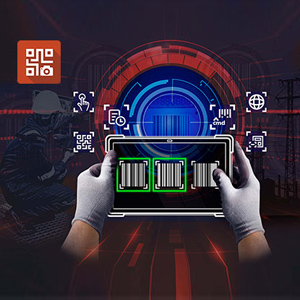
Scan barcode data into your applications with the device's in-built rear camera.
KeyWedge provides single and multiple barcode scanning features, expanding the capability of any Getac Windows device with a rear camera. No hardware. No upgrades. No SDK integration required. Simply install the app and you’ve got a one-touch rugged barcode scanner suitable for standard industrial field use, available on your Getac tablets or laptop
KeyWedge is highly configurable. The template scan mode even allows users to configure barcode templates to locate and scan label most efficiently.
Cost Effective
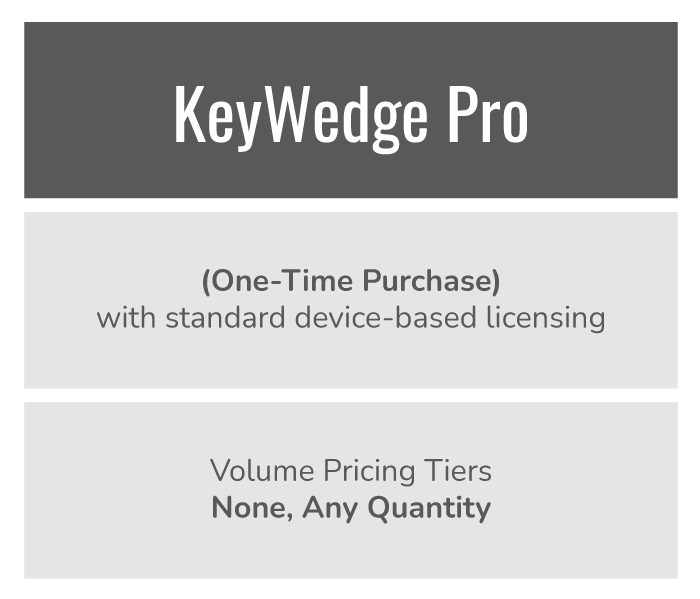
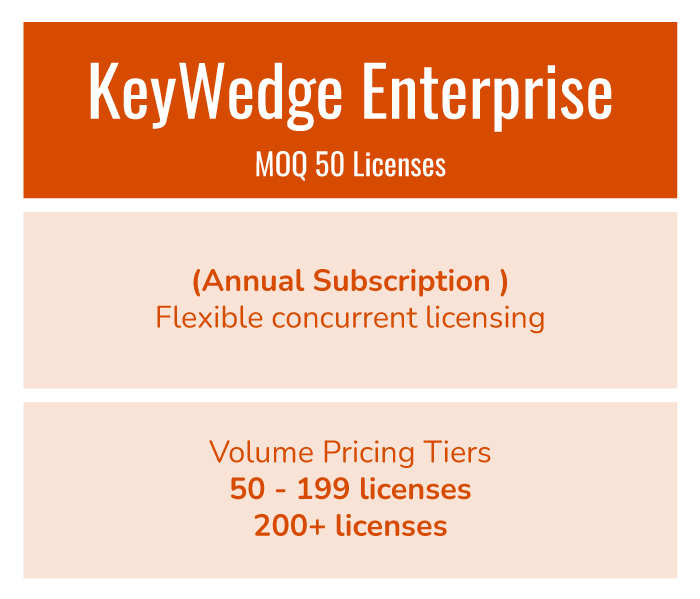
KeyWedge offers a cost-effective alternative to scan all major sets of 1D and 2D barcode symbology. Either Pro or Enterprise licenses can match your use scenario.
Seamless Integration
Fully integrated with all Getac devices equipped with a Rear Camera. Be truly mobile without the need for an additional hardware barcode scanner.
KeyWedge makes camera-based barcode scanning cost-effective
With our software you can add barcode scanning capability to Getac devices utilizing the rear camera, enabling easy rollout of asset tracking and identification capabilities across your organization at very little cost. There’s no need to buy or carry additional devices. With our software simply aim the rear camera and scan a barcode (or multiple barcodes) automatically with a single click – it’s that simple.
Diverse Scanning Modes
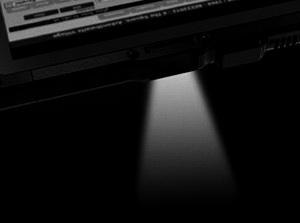
KeyWedge provides one-click scanning via the app icon or a programmable hardware button. Multiple codes can be scanned and stored in sequence. Offering diverse scan modes and assisted by the devices torch function for low-light conditions. Custom UPC schemes can be accepted (with most common schemes pre-programmed).
BARCODE TECHNOLOGY HAS TRANSFORMED ASSET MANAGEMENT
Barcode readers have become common tools for text and object recognition in modern day enterprise mobile devices. Organizations utilize them for identification and tracking of inventory and assets alike. Not all industry sectors require a high volume of barcode scanning and simply cannot justify the cost of integrated barcode reading hardware. Our software provides a low cost, easy to implement solution.
KEY FEATURES
Dual Scan Triggers
Barcode scanning can be triggered in the software scan window or by assigning a hardware button.
Settings Share
Use Settings Share to quickly share current KeyWedge settings to other Getac devices with a simple scan. This feature can also be utilized for quickly switching scan settings while scanning.
Scan Mode
KeyWedge supports scan modes for multiple and continuous scans to match the input for different software use.
Scan History
Click on the scan history to keep track of a list of scanned items or reuse any scanned items for your software.
Change Setting via Command Line
Command line scripts can be used for one click setting changes.